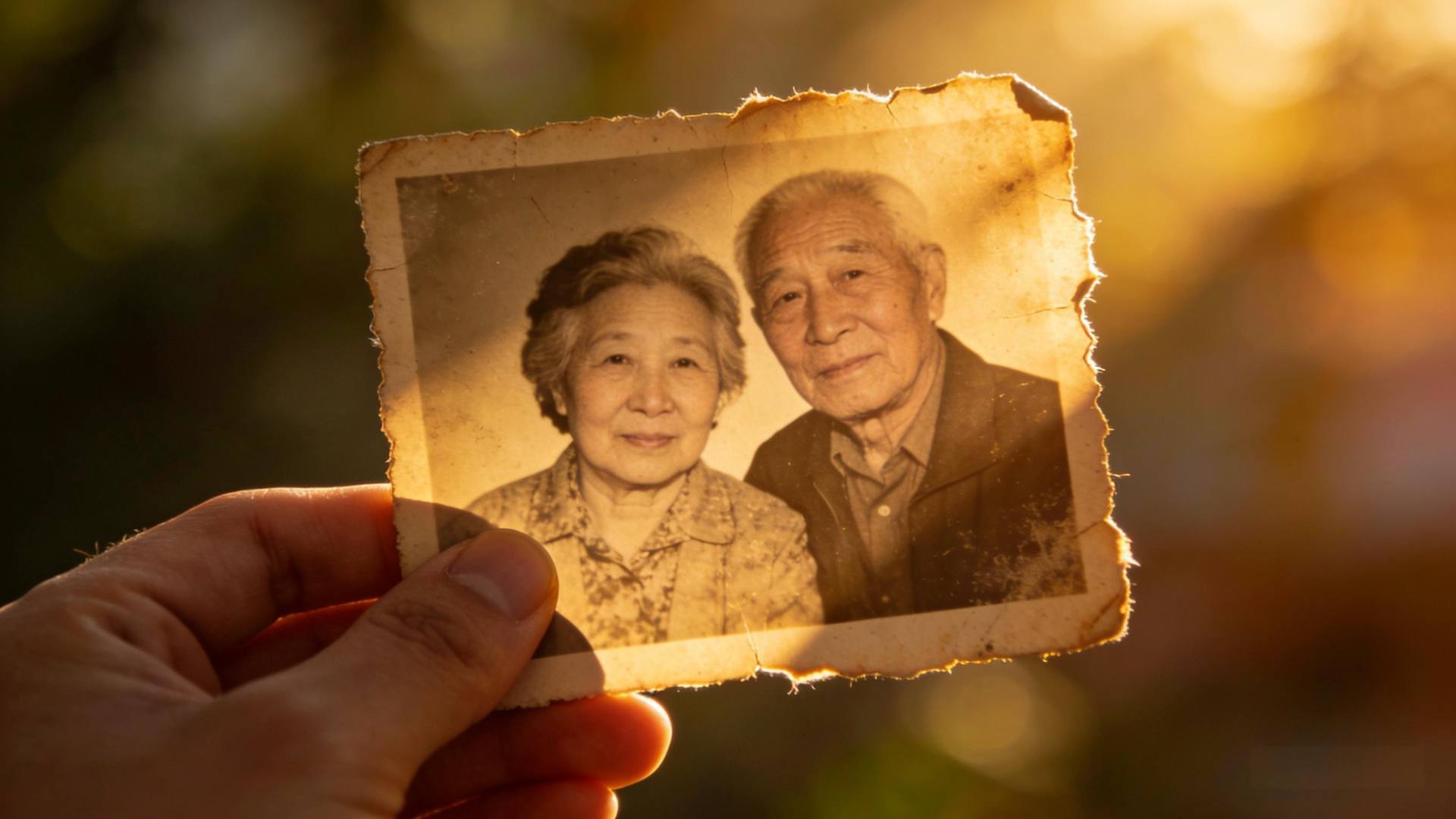
I still remember the first time I handed a printed portrait to Mrs. Henderson. She was in her late seventies, battling ovarian cancer, and had lost most of her hair after chemotherapy. Her daughter had reached out to me, asking if I could take a few photos that “felt like her” — not the hospital gown, not the tired eyes, but the warmth that still lingered in her smile. We set up a simple backdrop in her living room, with the afternoon light filtering through the lace curtains. When she saw the final image, she touched the paper gently and said, “This is how I want my grandchildren to remember me.”
I still remember the first time I handed a printed portrait to Mrs. Henderson. She was in her late seventies, battling ovarian cancer, and had lost most of her hair after chemotherapy. Her daughter had reached out to me, asking if I could take a few photos that “felt like her” — not the hospital gown, not the tired eyes, but the warmth that still lingered in her smile. We set up a simple backdrop in her living room, with the afternoon light filtering through the lace curtains. When she saw the final image, she touched the paper gently and said, “This is how I want my grandchildren to remember me.”
That moment solidified why I do what I do. As a medical photographer specializing in digital legacy, I’ve worked with dozens of cancer patients and their families to create lasting visual memories. With the rise of 3D digital human generation, these photos can now become interactive avatars that preserve not just a face, but a presence. Whether you’re a patient wanting to leave a dynamic memory for your loved ones, a caregiver helping someone through the process, or simply someone curious about the technology, this guide will walk you through capturing a photo that’s technically perfect for 3D modeling—and emotionally true to the person in front of the lens.
---
Why This Matters for Cancer Patients
カメラの設定と照明に飛び込む前に、「理由」について話しましょう。3Dデジタルヒューマンは単なる目新しいものではありません。これは、物理的な存在が薄れる可能性があるときにアイデンティティを維持する方法です。患者にとって、それは代理店の贈り物になる可能性があります-彼らがどのように記憶されるかを決めるチャンスです。家族にとって、それは特に喪失後のつながりの試金石になります。
I once worked with a young father named Alex, diagnosed with glioblastoma. He wanted to create a 3D avatar that could “read bedtime stories” to his five‑year‑old daughter in the future. The photos we took together weren’t just technical assets; they were acts of love. He’d joke about his receding hairline, then grow quiet while adjusting his daughter’s collar. Those nuances—the laugh lines, the slight tilt of his head when listening—are what make a digital human feel alive. Your goal isn’t to capture a sterile, perfect headshot. It’s to capture a person.
---
Step 1: The Emotional and Practical Prep

Setting the tone.
If you’re the photographer, start by having a conversation. Ask about the person’s favorite memory, a song that comforts them, or a place they’d love to be right now. This isn’t small talk—it helps bring genuine expression to the surface. For self‑portraits, take a moment to reflect. Put on music that lifts your mood. Light a candle. This is about creating a space of dignity, not a clinical shoot.
Gathering your gear.
You don’t need a professional studio. Here’s what I recommend:
- Camera: Any DSLR, mirrorless, or even a recent smartphone with a high‑resolution mode (12MP or higher).
- Lens: A 50mm prime lens (or equivalent) is ideal—it closely matches human perspective without distortion. If using a phone, stick to the main camera, not the wide‑angle.
- Tripod: Essential for keeping the frame steady, especially if the subject may tire easily.
- Lighting: Natural light is your best friend. A large window with indirect sunlight provides soft, even illumination. Avoid harsh midday sun.
- Backdrop: A plain, neutral wall (light gray, cream, soft blue) works perfectly. Avoid busy patterns or strong colors that could interfere with 3D processing.
Comfort first.
Schedule the session when the person has the most energy—often mornings for many patients. Have water nearby, a comfortable chair, and allow for breaks. The goal is to make the experience affirming, not exhausting.
---
Step 2: The Technical Setup – No Jargon, I Promise

Lighting – the make‑or‑break factor.
3D models need consistent, shadow‑less light to accurately reconstruct depth. Here’s how to achieve it:
1. Position the subject facing a large window, but not directly in the sunbeam. Overcast days are actually perfect.
2. If using artificial lights, place two softboxes (or even household lamps with white shades) at 45‑degree angles on either side of the camera, at eye level. This fills in shadows under the nose and chin.
3. Pitfall #1: 混合照明 (例えば、窓の光の暖かい屋内電球) を避けてください。3Dソフトウェアを混乱させるカラーキャストを作成します。1つの光源タイプにこだわる。
Camera settings.
- Mode: Manual or aperture‑priority (A/Av mode).
- Aperture: f/5.6 to f/8. This keeps the entire face in sharp focus.
- Shutter speed: At least 1/125s to prevent motion blur. If the subject is very still, you can go slower.
- ISO: As low as possible (ISO 100–400) to minimize noise.
- Focus: Use single‑point autofocus on the eyes. Tap the screen on a phone to lock focus.
- Pitfall #2: Don’t use beauty or portrait modes that smooth skin—they erase subtle textures needed for 3D modeling.
Framing and pose.
- Fill the frame with the head and shoulders. Leave a little space above the head.
- Ask the subject to look directly at the lens, with a relaxed, natural expression. A slight smile often works, but authenticity trumps forced cheer.
- Take multiple shots: straight‑on, a slight turn to each side (about 15 degrees), and a three‑quarter view. These angles give the 3D software enough data to build a full model.
- Pitfall #3: Avoid extreme angles (looking up or down) unless they’re meaningful—they can distort facial proportions.
---
Step 3: Capturing the Details That Matter

Eyes and expression.
目は最も感情的な体重を運びます。彼らに平和をもたらす何か-好きな人、幸せな記憶-を考えるように被験者を励ます。その内なる考えはきらめくでしょう。
Texture and detail.
3D software thrives on subtle variations. Make sure skin texture, hair strands, and fabric folds are clearly visible. Avoid heavy makeup that flattens features; a light, natural base is fine.
Including meaningful props.
A cherished book, a knitted blanket, a wedding ring—these objects tell stories. Place them subtly within the frame, but ensure they don’t obscure the face. For Alex, we included his daughter’s small stuffed rabbit on his lap. It became part of his digital legacy.
---
Step 4: After the Shoot – Handling and Editing
Transferring files.
Save the original, full‑resolution files immediately. Use a reliable cloud service or external drive. Never compress or resize them before 3D processing.
Minimal editing only.
If you must edit:
- Adjust exposure and white balance gently.
- Do NOT use skin‑smoothing, liquefying, or heavy filters.
- Preserve all natural shadows and highlights.
- Pitfall #4: Over‑editing creates a “plastic” look that fails to translate into a believable 3D model.
Backup, backup, backup.
Store copies in at least two separate locations. These files are irreplaceable.
---
Step 5: Preparing for 3D Generation
Choosing a 3D service.
Several platforms specialize in creating digital humans from photos. Look for ones that:
- Accept high‑resolution inputs (minimum 2000×2000 pixels).
- Support multiple angles (the shots you took earlier).
- Offer ethical data policies—your images are deeply personal.
Submitting your photos.
Follow the platform’s guidelines precisely. Usually, you’ll upload the straight‑on, left, and right views. Some may ask for a neutral expression series and a smiling series. Label them clearly.
What to expect.
The process can take from a few hours to several days. You’ll receive a 3D model that can be rotated, animated, or integrated into virtual environments. Some services even allow adding a recorded voice to create an interactive conversation.
---
A Final Note – This Is About Legacy
Technology can feel cold, but it doesn’t have to be. Every time I press the shutter, I’m aware that this image might be the one a child holds onto decades from now. It’s not about pixel perfection; it’s about capturing the quiet strength in a patient’s eyes, the way their hand rests on a loved one’s arm, the half‑smile that appears when they remember something joyful.
So take your time. Breathe. Connect. The best photo for a 3D digital human isn’t the most technically flawless—it’s the one that feels most human.
If you have questions or want to share your own experience, please leave a comment below. I read every one.
— John Smith
© John Smith • Published on CancerCura Community • All rights reserved.
This article provides practical guidance for capturing high-quality photos suitable for 3D digital human generation, with a focus on preserving dignity and legacy.